Stair configurator
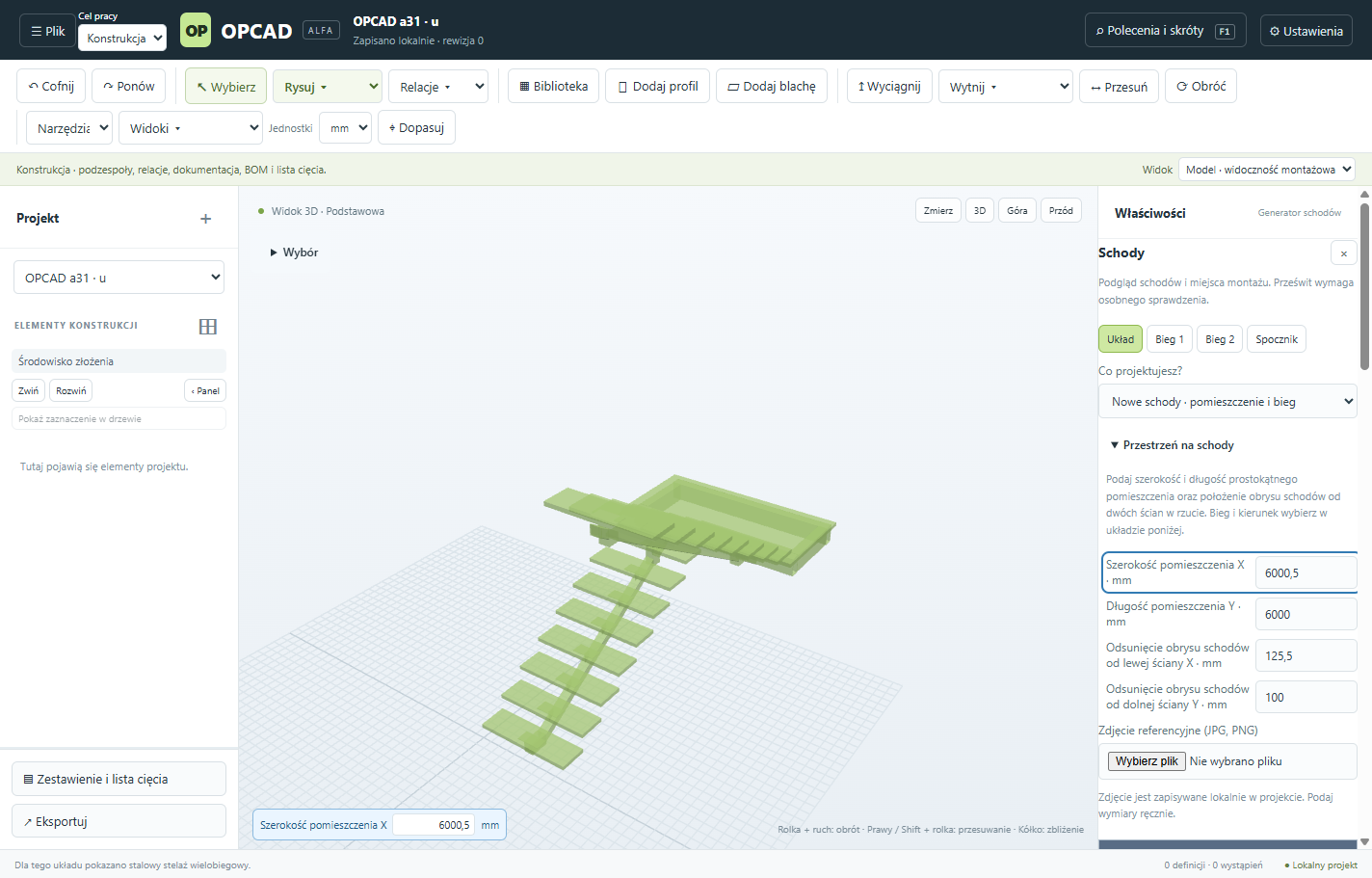
Enter the dimensions and choose a straight, L-shaped or U-shaped layout. Preview the treads, landing or winders and the structure for the selected layout.
Formerly OPCAD
CAD software for Windows 11. Design sheet-metal parts and profiles, build assemblies and prepare workshop documentation.
Alpha release · 0.1.0a76
Stair, railing and infill configurators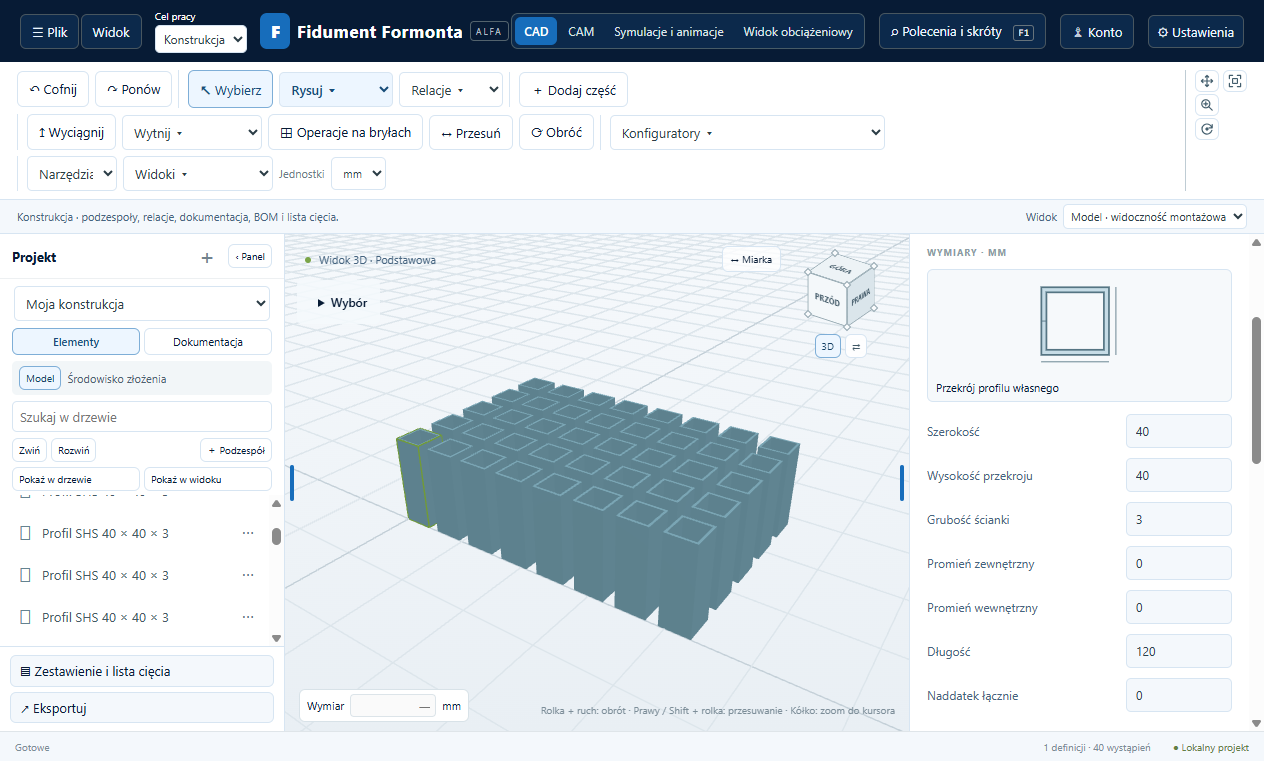
Start with your measurements and preview the design in 3D before saving it as an assembly.
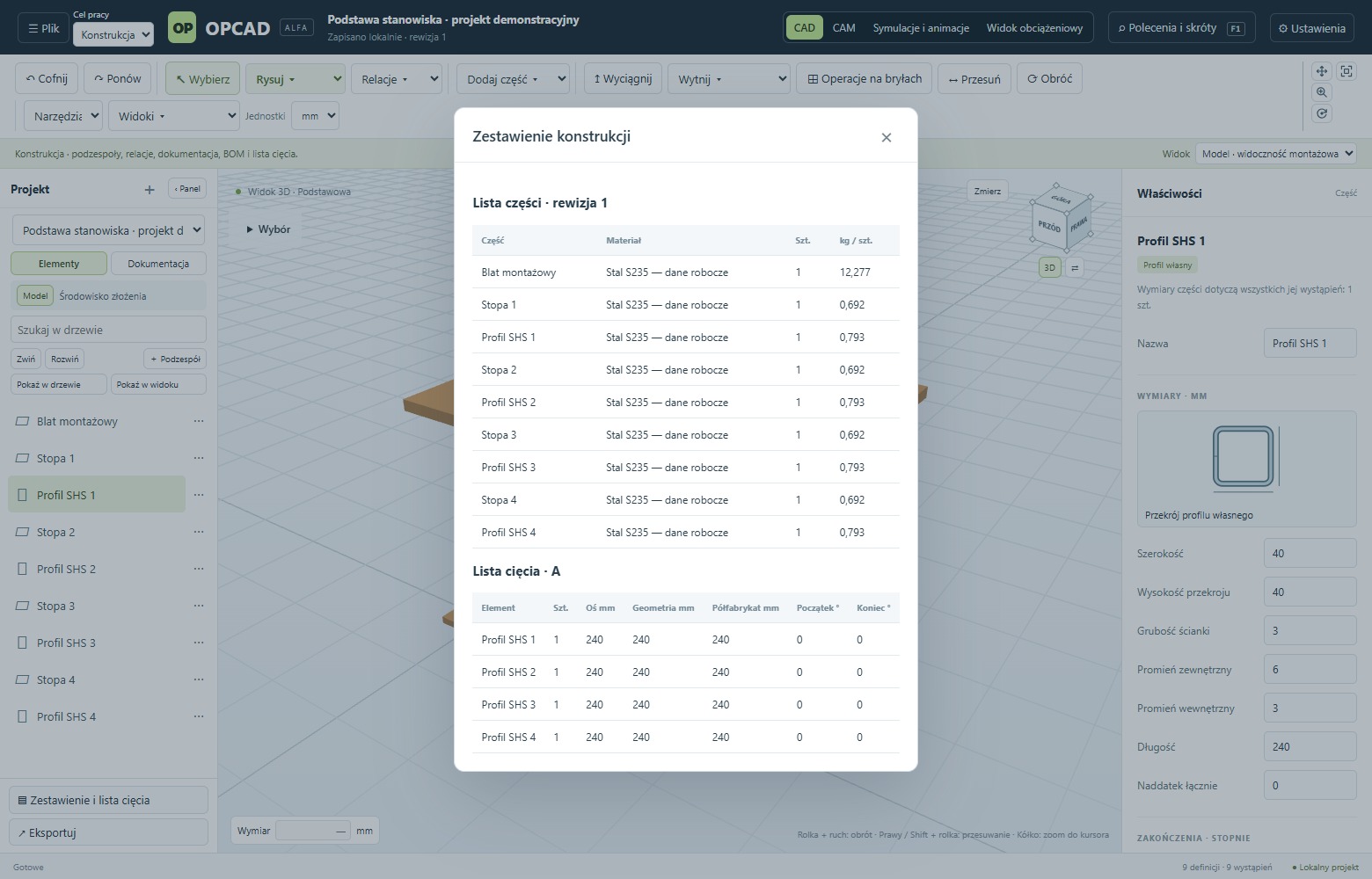
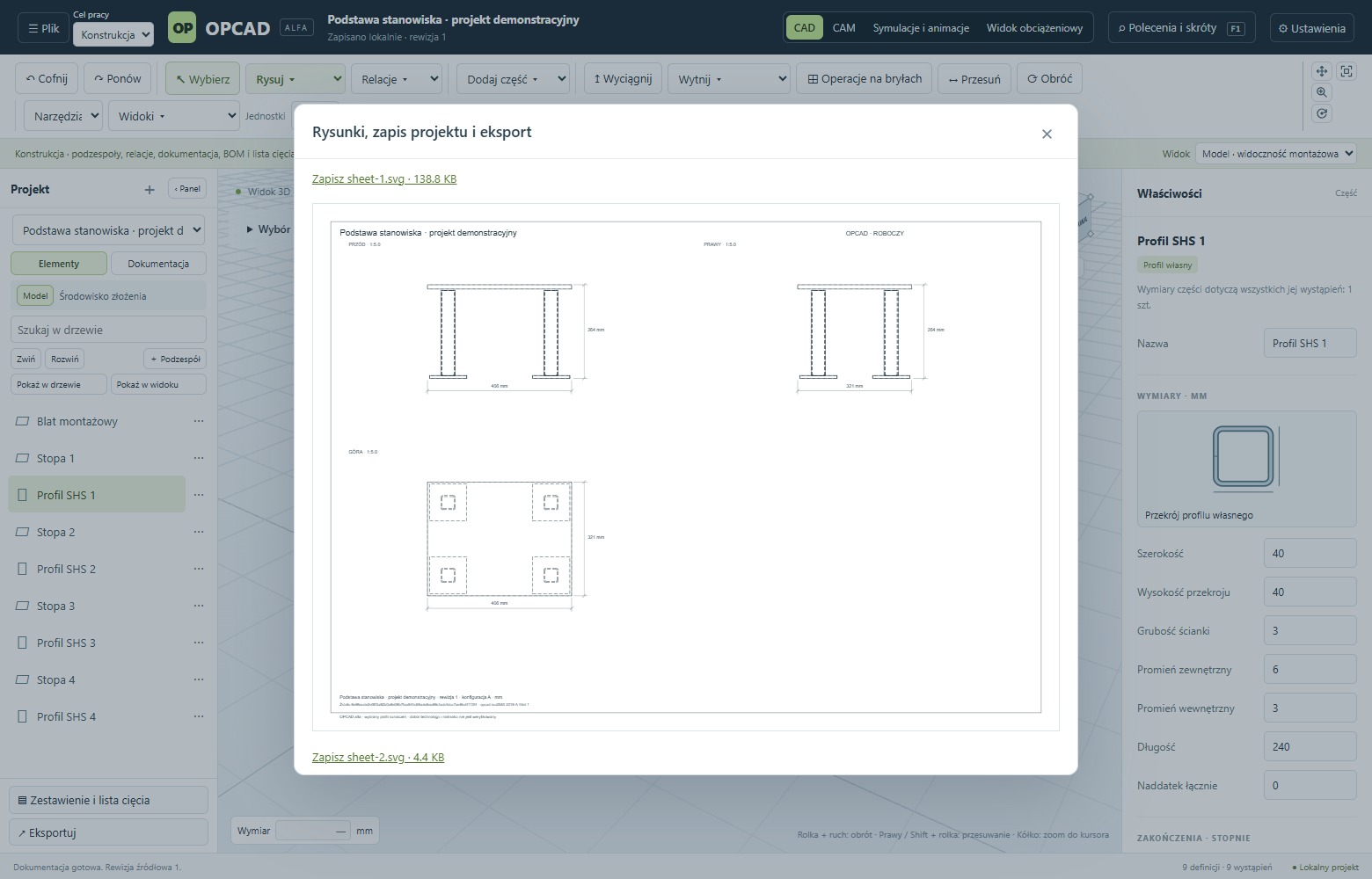
The configurator and documentation screenshots show earlier releases.
Enter the dimensions and choose a straight, L-shaped or U-shaped layout. Preview the treads, landing or winders and the structure for the selected layout.
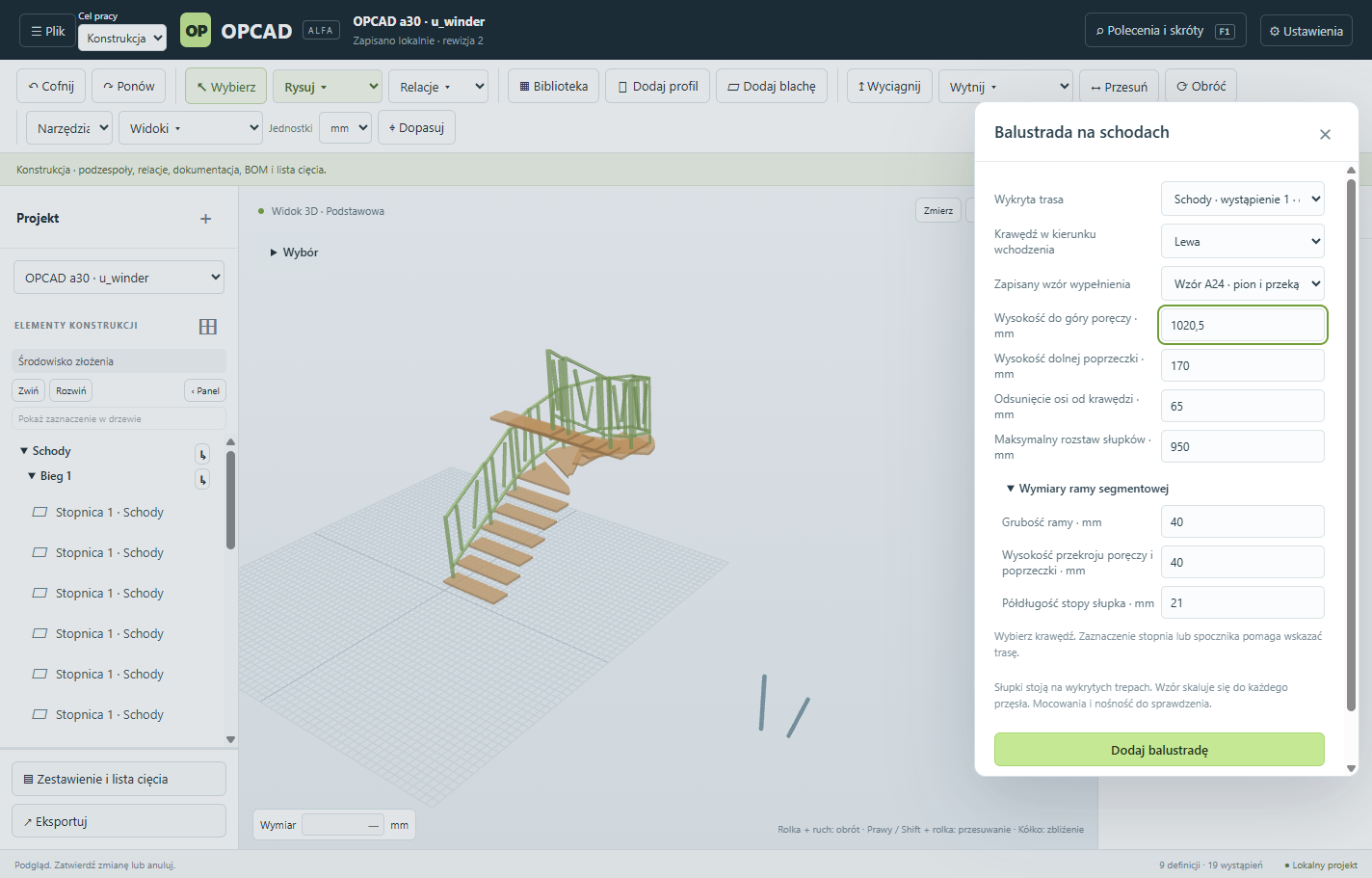
Select a route on a saved staircase. Set the handrail height, edge offset and maximum post spacing. Apply a saved infill pattern to the bays.
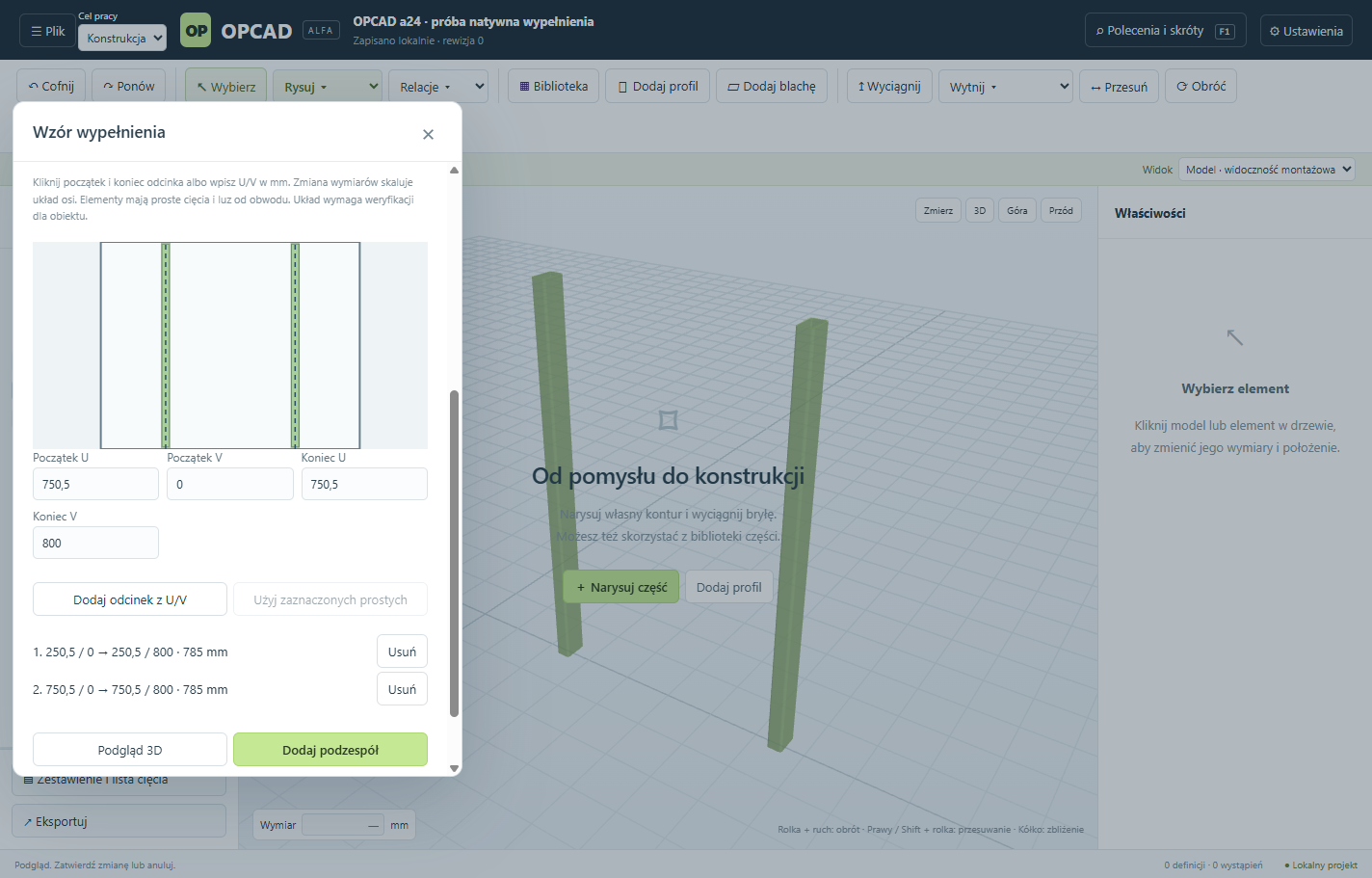
Arrange straight profiles in a rectangular railing or fence opening. Save the pattern and reuse it for bays with different dimensions.
Check site dimensions, headroom, fixings and load capacity before fabrication.
0.1.0a76 · Windows 11 x64 · 233 MiB · Installer without a Windows publisher signature
SHA-256 bd9ba784a7e90a6104a2090786c4ced09db88663221524dcc168873d5b03ab4b
The app requires a working Microsoft Edge WebView2 Runtime. Download WebView2 Runtime
Download library sources and licences · 165 MiB
SHA-256 256850df388cc9e56fad89b2c75a181201672d60b9f69f1ef44086c38b08b4c2
Download the installer from this page and compare the file’s SHA-256 with the checksum shown for the release. Stop if they differ. The application requires Windows 11 x64.
Open the downloaded EXE and follow the setup wizard. An unsigned release may trigger a SmartScreen warning. Once you have verified the source and checksum, select “More info”, then “Run anyway” if that option is available.
Use basic mode to model, preview and save projects. To use specialist features, open Account (Konto) in the application and select “Sign in with Fidument” (Zaloguj się przez Fidument). In earlier releases, sign-in and one-time codes are in Settings.
The installer and its checksum are in the Installation and activation section of this page.
If you have a60 or an older version, download the current installer from this page and run it manually. In the new version, open Settings and select “Check for updates” (Sprawdź aktualizacje). If a later release is available under your licence, save your project and confirm the download and installation separately.
Sign in to Fidument as an authorised owner. Open Tools → Fidument Formonta, select the release you are installing, enter its master key and choose “Unlock owner licence”. Enter the one-time code in the application. Earlier releases accept it in Settings.
Open Fidument Formonta under Tools in Fidument and request access on your account. After the owner approves the request, sign in or enter the one-time activation code in the application, depending on the release.
Yes. Fidument Formonta is the new name for OPCAD. Earlier releases display the OPCAD name. Installer filenames still start with OPCAD-Setup and project files use the .opcad extension.
Sheet unfolding requires a separate installation of FreeCAD 1.1.1 x64 (Python 3.11). Download FreeCAD
If your work computer blocks installation, contact your IT administrator. Keep Windows security features enabled. Microsoft guidance on SmartScreen warnings.
Replace the example path with the downloaded file’s path and compare the hash with the checksum on the release page.
Get-FileHash -Algorithm SHA256 -LiteralPath 'C:/Downloads/OPCAD-Setup-0.1.0a76.exe'